Page guide
Company page
Is this business good, is it fairly priced, and can I trust management?
Open any company from the search box at the top to follow along.
In 30 seconds
- 1The top shows price, market cap and when the next results are due.
- 2"AI Deep Dive" tabs hold the research. Unlock it with a credit or premium.
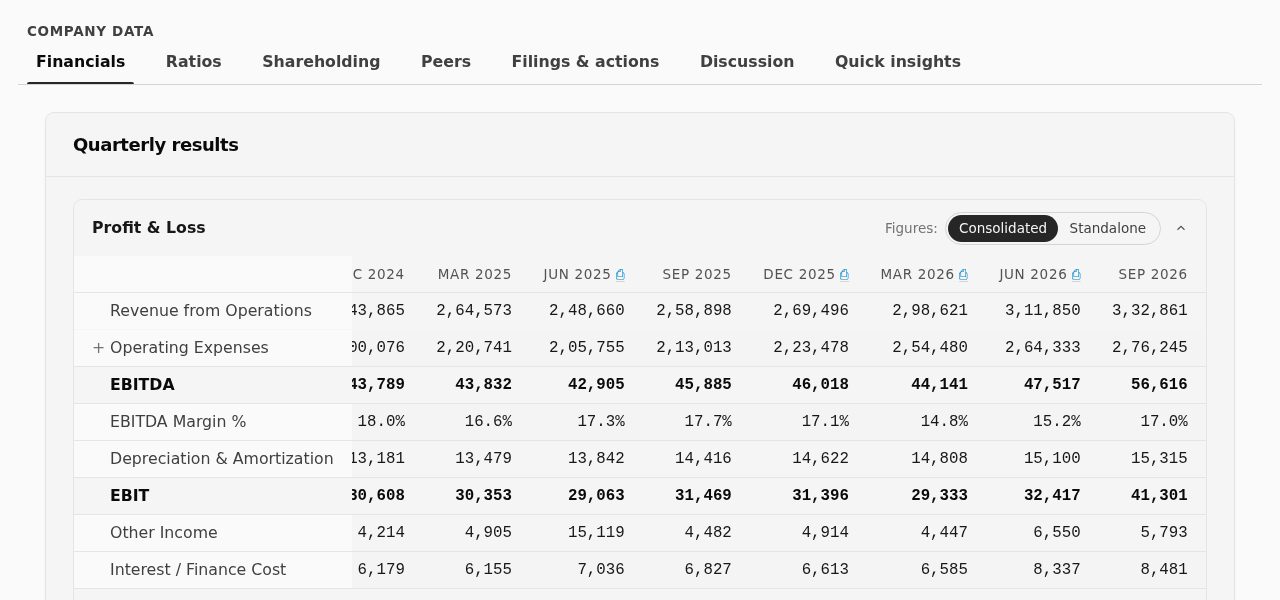
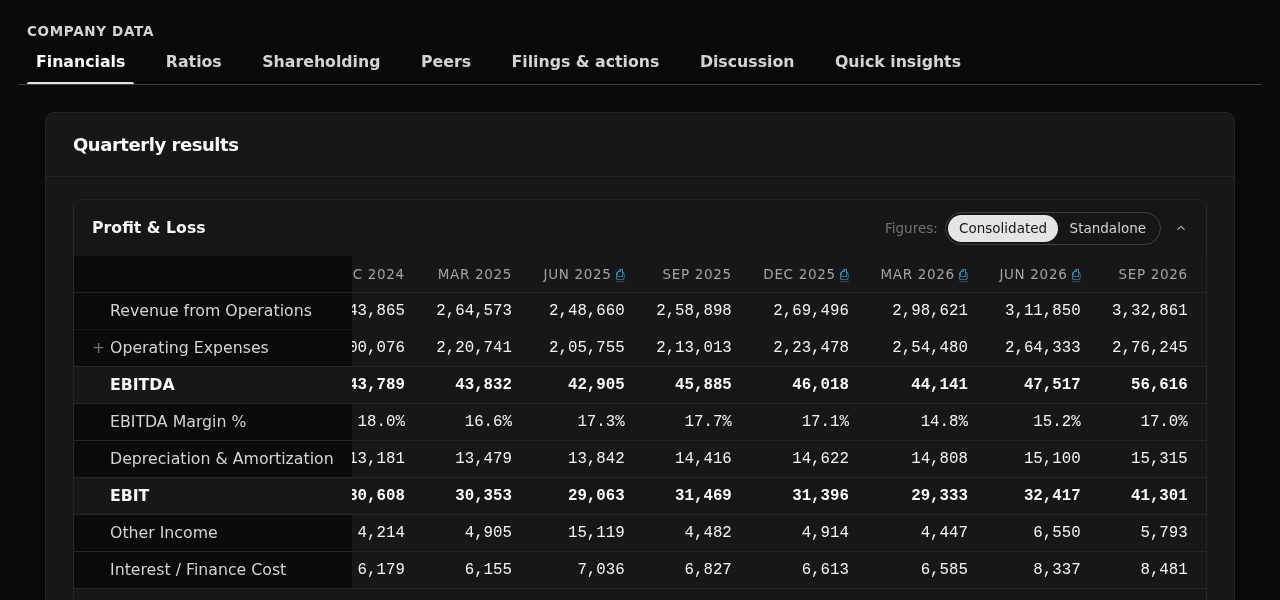
- 3"Company data" tabs hold the raw numbers, free for everyone.
What you get here
Pick the kind of user you are. Yours is open.
I am
Not signed in
- Price, chart, financials, shareholding, peers and filings are free.
- The AI research tabs are locked. Sign in free to get 3 credits.
- Some ratios, product segments and the signal history need a free account.
A free account takes a minute: tap Sign in at the top and use your email or Google.
Step by step
- 1
The header
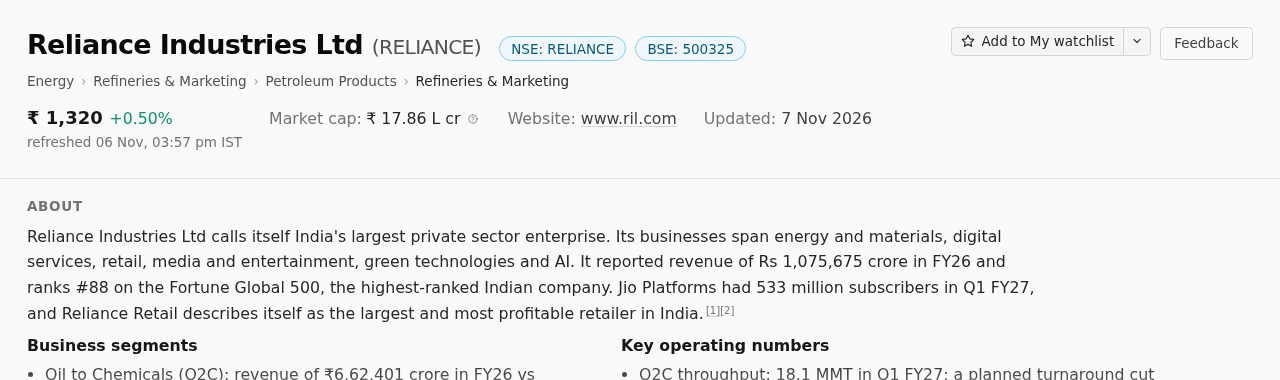
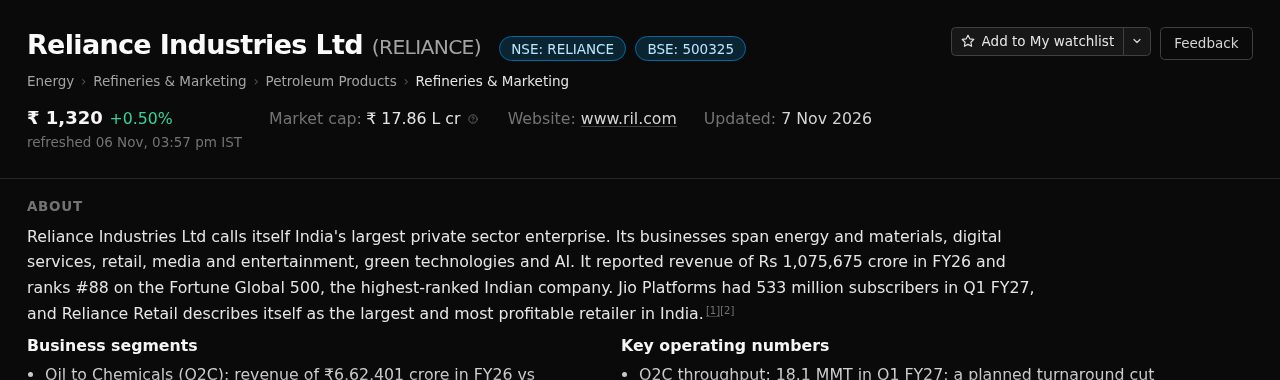
Name, price and today's move, market cap and the date of the next results. The "Watch" button adds the company to your watchlist so it shows on your home page.
- 2
Key metrics and the chart
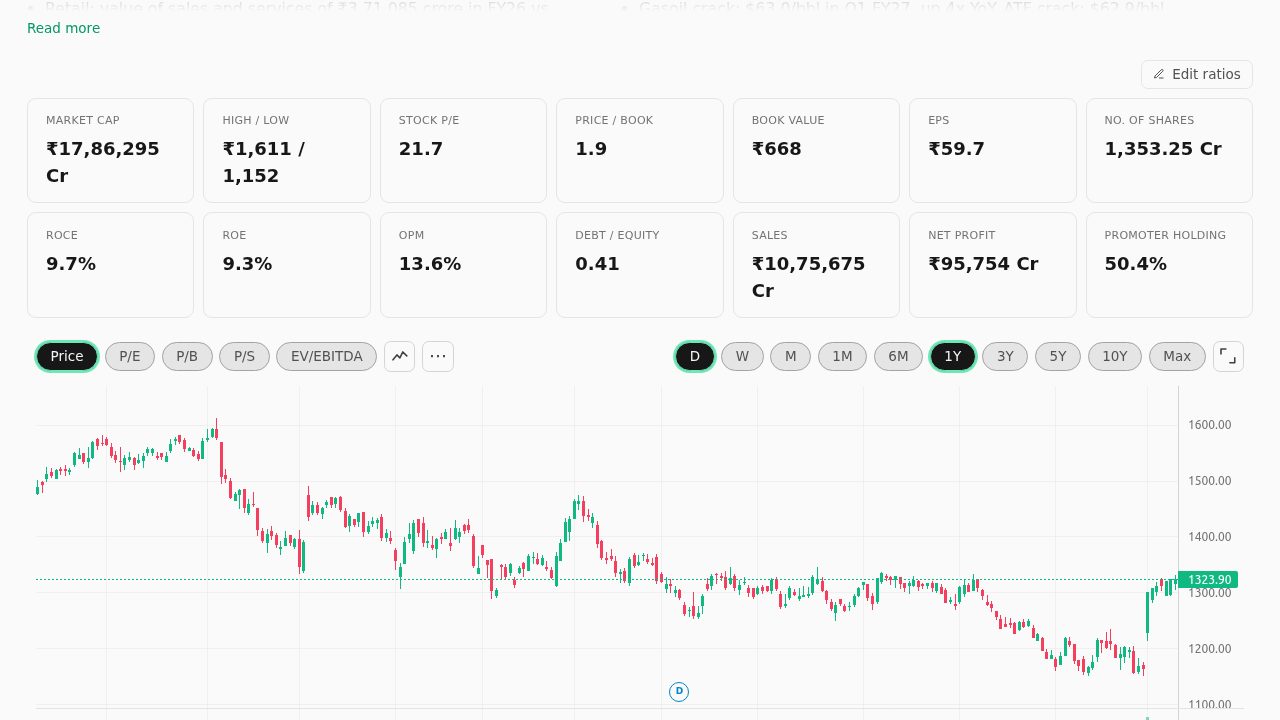
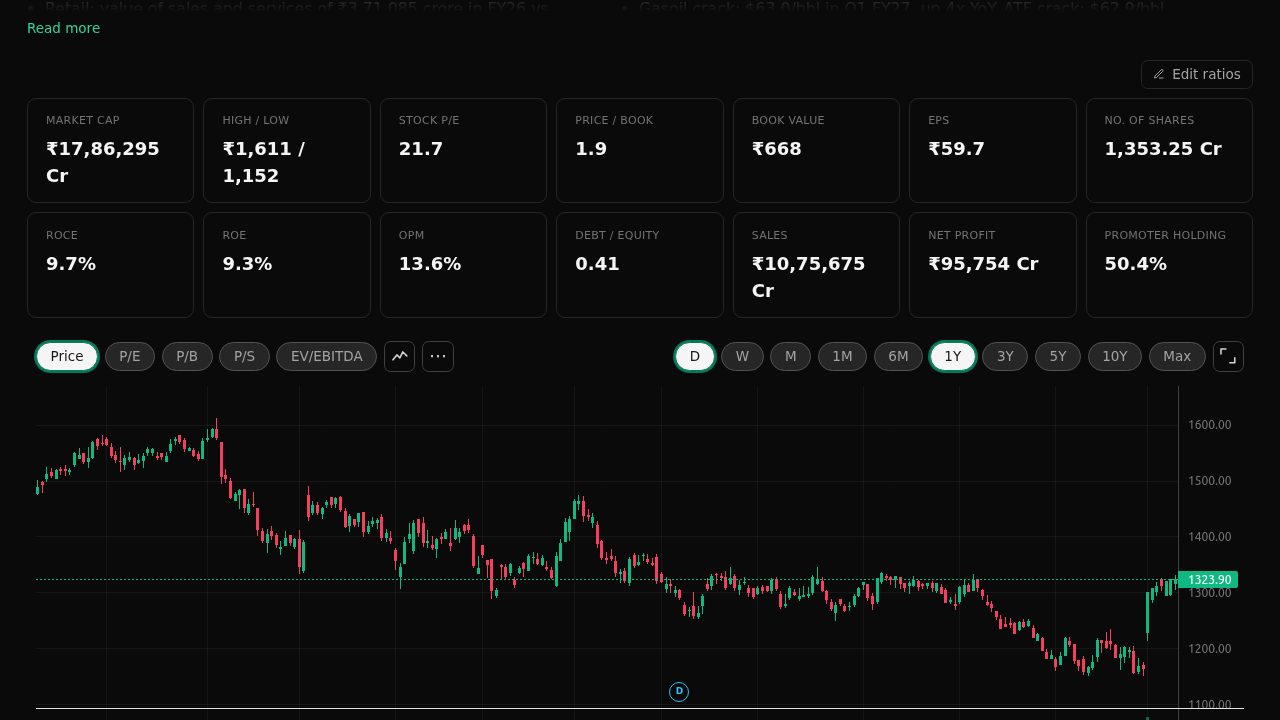
A grid of the main ratios, then the price chart. The buttons on the left of the chart switch what it draws: "Price", "P/E", "P/B" and more, over time. The buttons on the right pick the time, from "1M" to "Max". "Edit ratios" lets a signed-in user choose which ratios the grid shows.
- 3
Signal history
A timeline of moments that mattered: strong results, management promises, big investors buying or selling, and chart signals. Each dot can be opened.
- 4
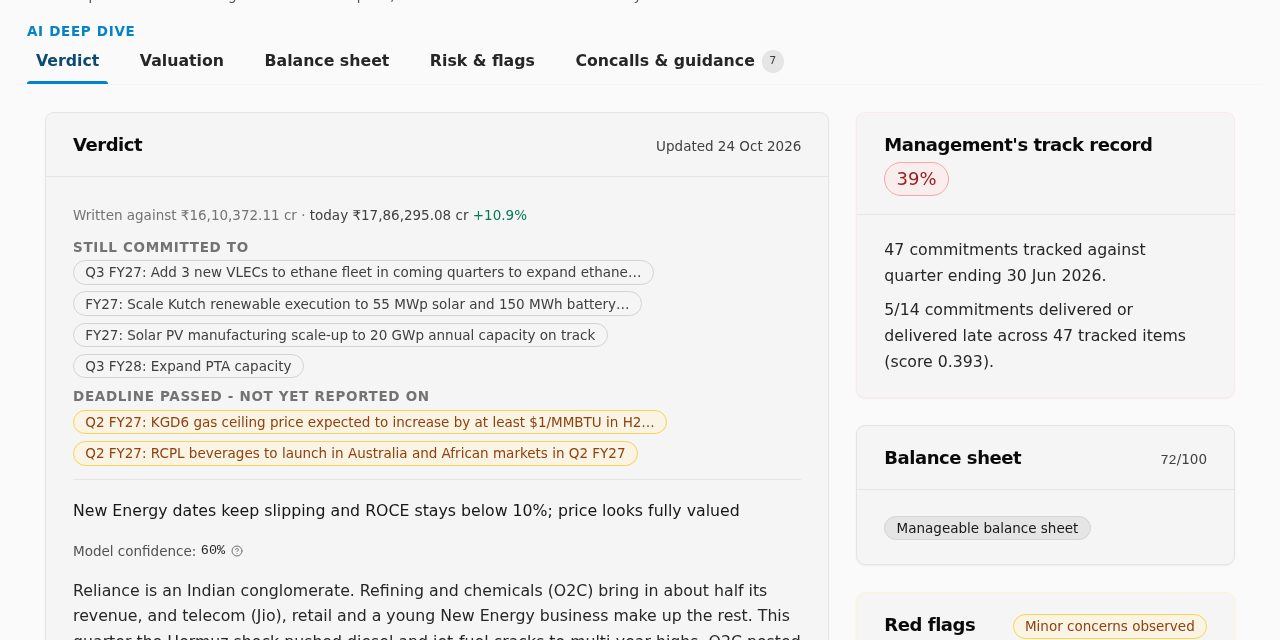
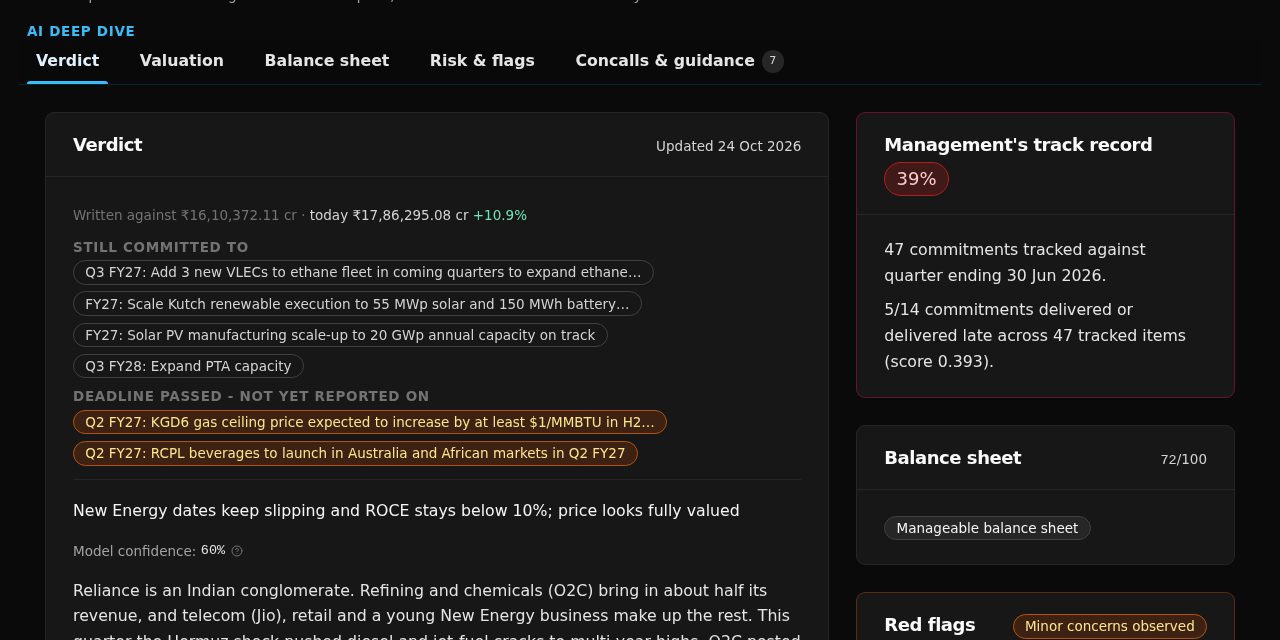
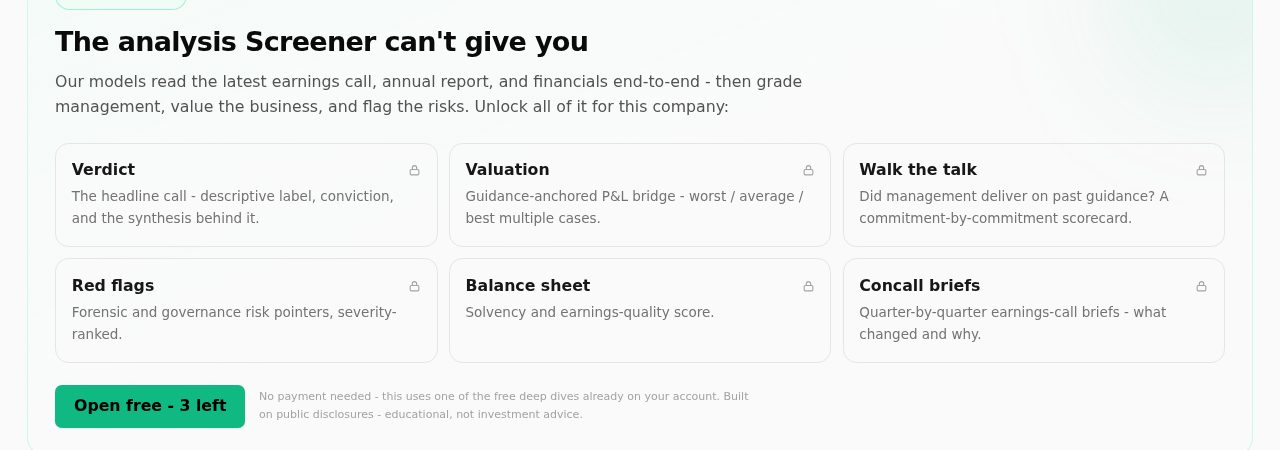
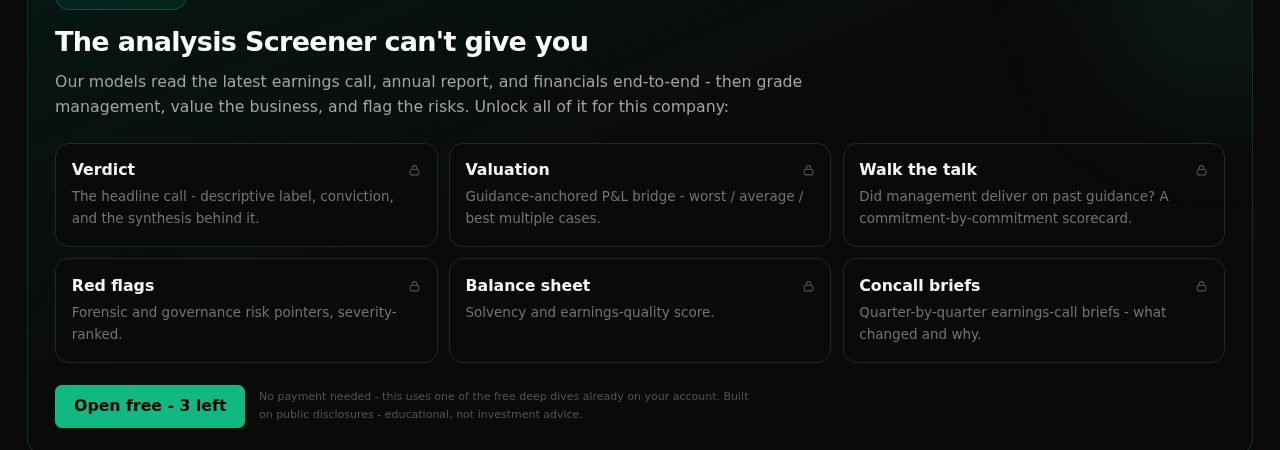
The AI Deep Dive
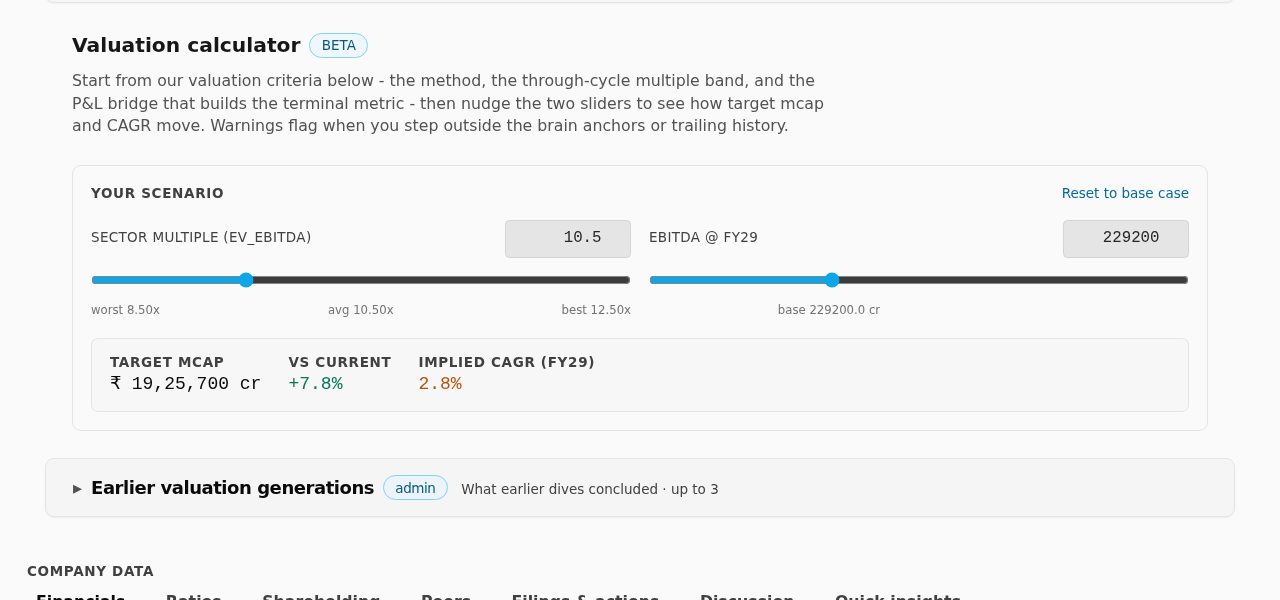
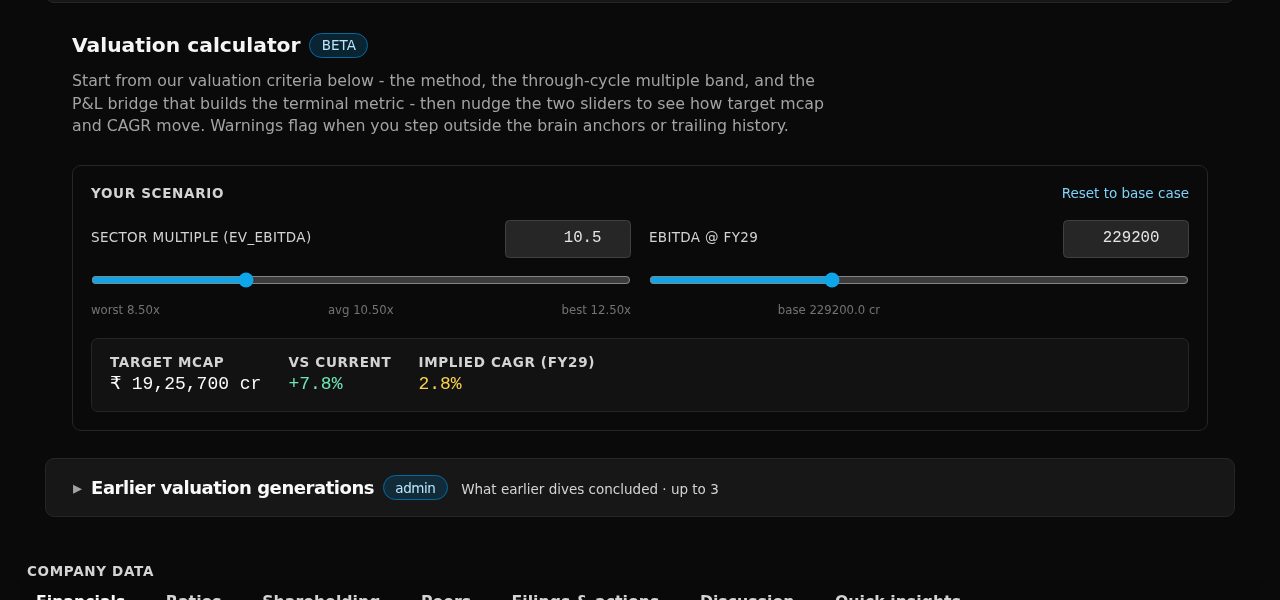
Five tabs. "Verdict" is the summary. "Valuation" is a place to practise your own forecast (next step). "Balance sheet" checks debt and earnings quality. "Risk & flags" lists red flags, each with its source. "Concalls & guidance" shows what management promised and whether they delivered.
Try this
Open a company's research
- Scroll to the AI Deep Dive box.
- Press "Open free" (uses a credit) or "Open with Premium".
- Read the "Verdict" tab first, then "Risk & flags".
Practise a forecast
- Open the "Valuation" tab.
- Set the "Sector multiple" slider to "worst", then "best".
- Compare the two answers. Ask which multiple you would really pay, and why.
Compare with similar companies
- Open the "Peers" tab under Company data.
- Press "Edit columns" and tick the ratios you care about.
Follow the company
- Press "Watch" in the header.
- It now shows on your home page and watchlist.
Words on this page
- Conviction
- How strongly the evidence supports the verdict.
- Walk the talk
- Did management deliver what they promised on earlier calls.
- Red flag vs risk
- A red flag is an accounting or governance warning. A risk is a business or industry threat.
- Multiple
- How many times its profit (or sales, or book value) the market pays for a company. A P/E of 20 means 20 times a year's profit. Pick it yourself; nobody knows the right one in advance.
- Implied CAGR
- The yearly growth needed to go from today's market cap to the one your inputs imply.
- Consolidated vs Standalone
- Figures with the subsidiaries included, or the parent company alone.
- TTM
- Trailing twelve months: the last four quarters added up.
More terms in the glossary.